Make a Port and Cable Inventory Before Buying an Adapter
Give each device a label and photograph or describe its ports for your private record. Note the full model identifier before shopping for an adapter.
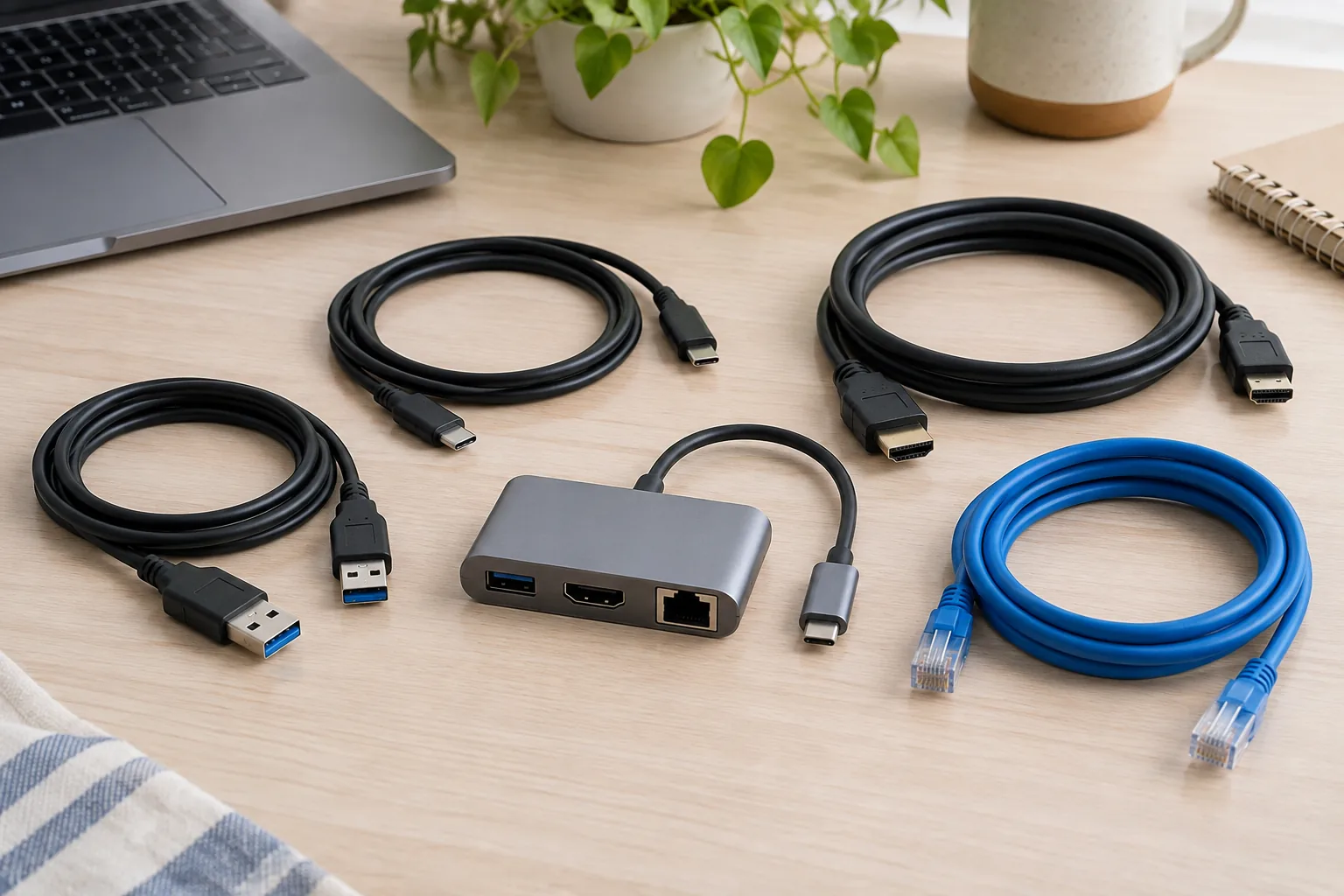
Start with your own situation
Give each device a label and photograph or describe its ports for your private record. Note the full model identifier before shopping for an adapter.
Work through the record
Write one requirement for each connection: display, data transfer or power. Find documentation for each endpoint and the cable; a matching connector shape alone is not your compatibility evidence.
Your printable worksheet
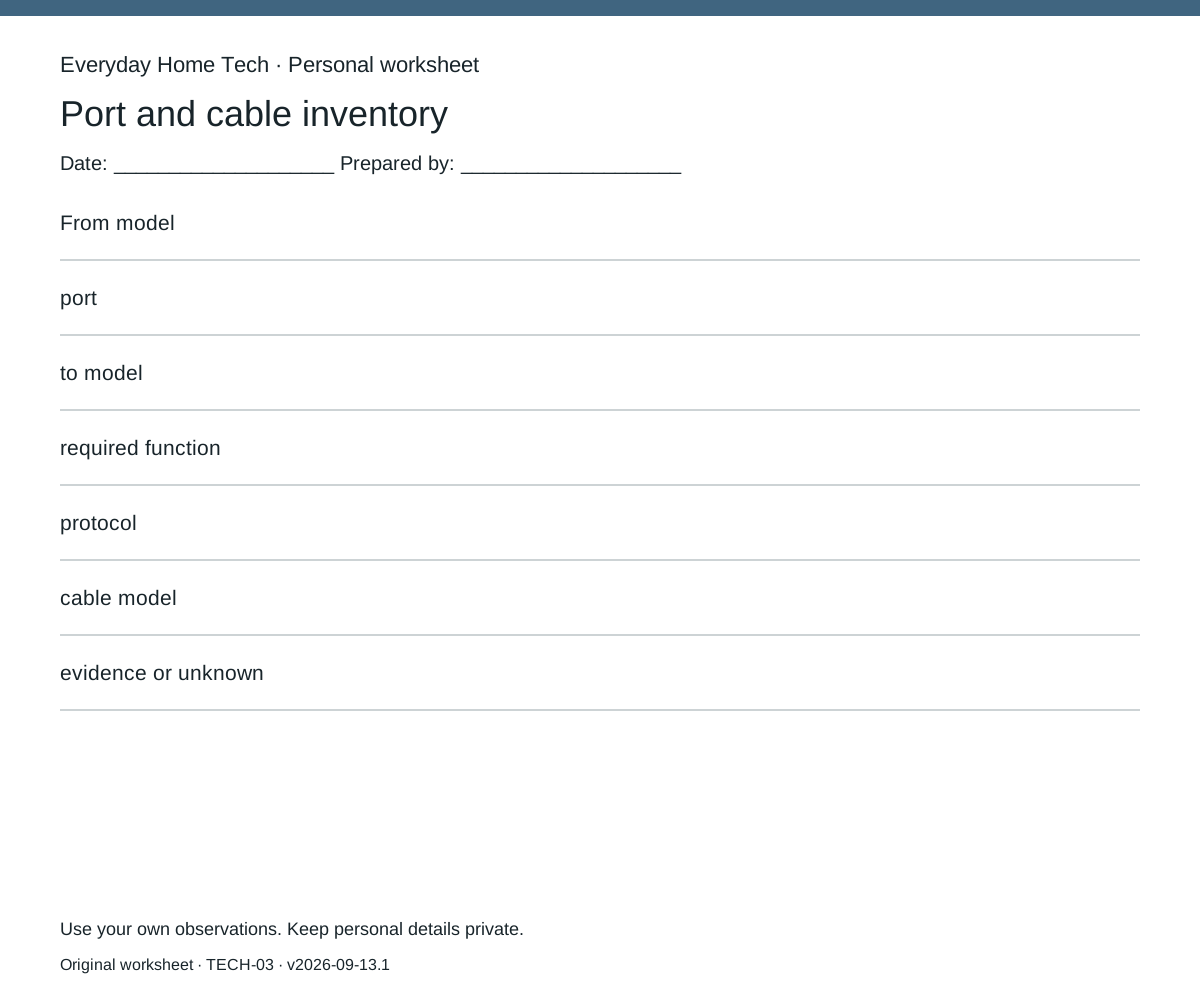
Use one sheet per port and cable inventory record. Fill these fields: From model / port / to model / required function / protocol / cable model / evidence or unknown. Leave missing information marked unknown; do not silently substitute an estimate.
Make the next decision
Only mark a connection documented when the relevant capabilities are supported at both ends and through the adapter. Leave unverified combinations unknown rather than buying from appearance.
Documentary context
USB-IF publishes a USB Type-C cable and connector specification. The source link identifies that specification; it does not document your particular device combination.
How this guide was prepared
Original Codex-assisted planning guidance and a blank worksheet. Reader inputs are not collected or represented as observations. Any documentary context is a short paraphrase of a linked primary source checked on September 13, 2026; no product testing, prices or efficacy results are claimed.
Source record
USB-V1 — External record retrieved
USB-IF publishes a USB Type-C cable and connector specification. The source link identifies that specification; it does not document your particular device combination.
Retrieved 2026-09-13