Plan a Home Desk Connection Map
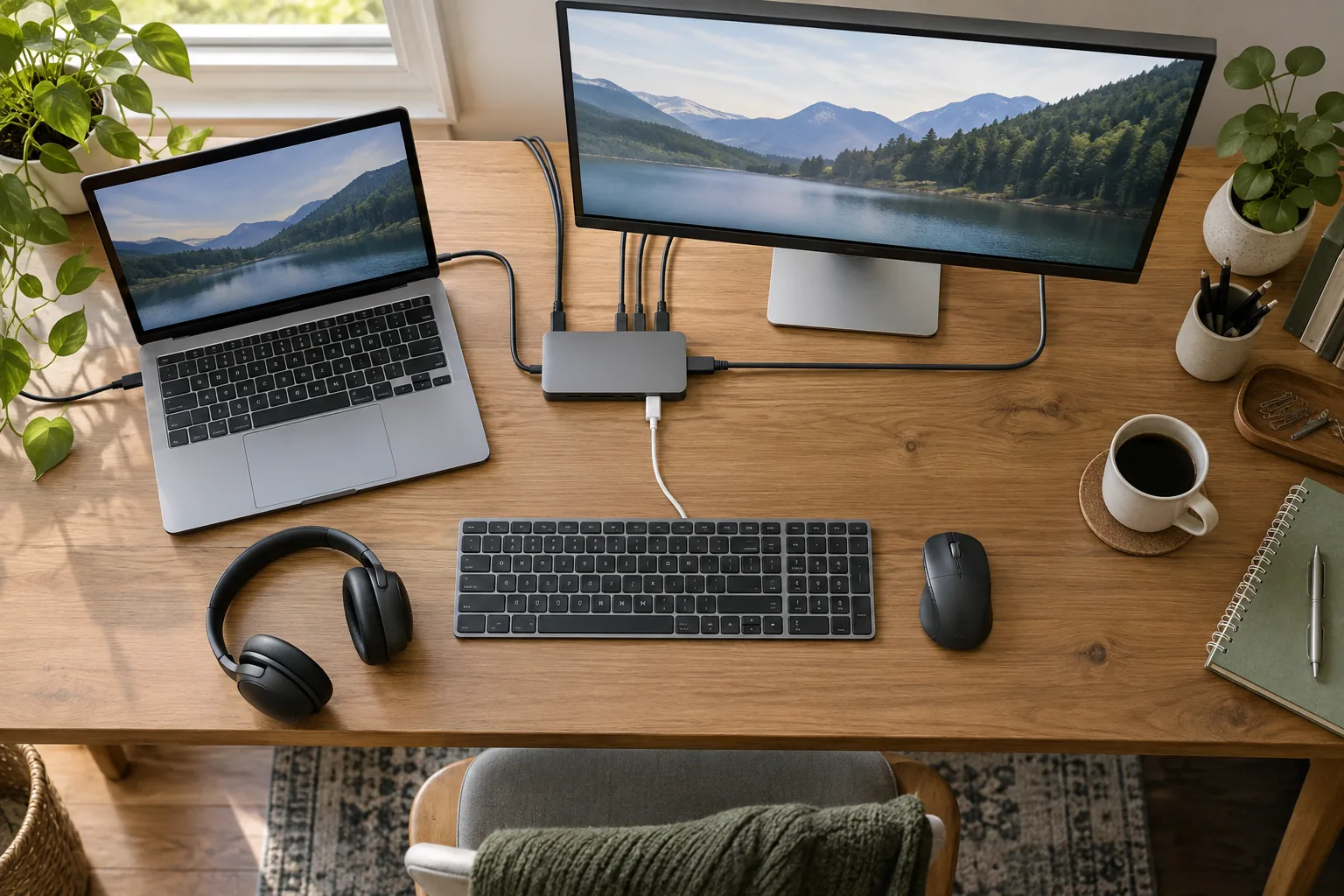
Draw the laptop, monitor, dock and peripherals as separate boxes. Draw a line for each required display, power or data function.
Start with your own situation
Draw the laptop, monitor, dock and peripherals as separate boxes. Draw a line for each required display, power or data function.
Work through the record
Label every line with its endpoints and the function it must carry. Count the ports consumed by the dock connection itself and record whether your intended screen configuration is documented.
Your printable worksheet
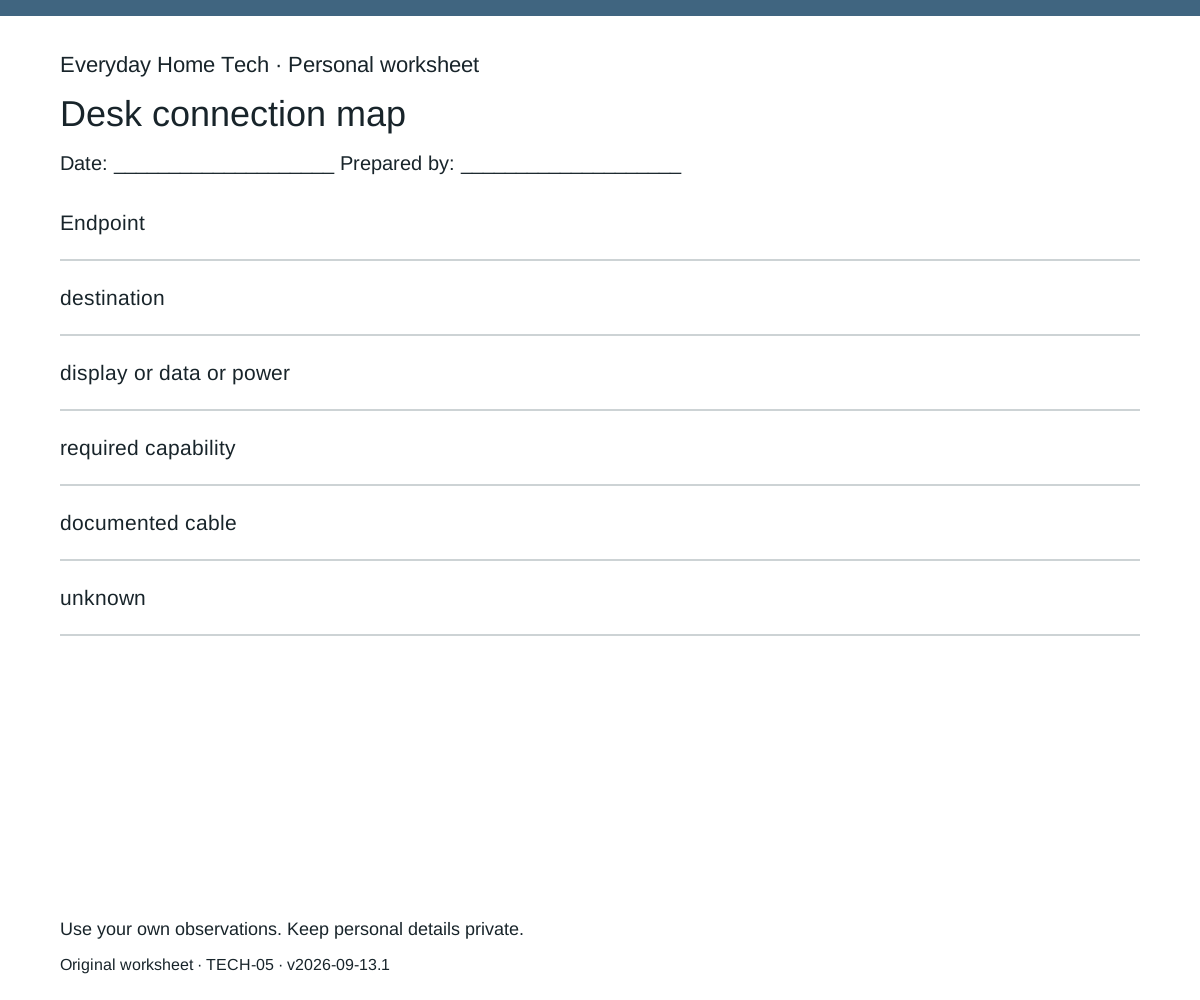
Use one sheet per desk connection map record. Fill these fields: Endpoint / destination / display or data or power / required capability / documented cable / unknown. Leave missing information marked unknown; do not silently substitute an estimate.
Make the next decision
Resolve one unknown at a time using exact-model manuals. Keep a fallback map that removes an optional peripheral if the required simultaneous configuration is not documented.
How this guide was prepared
Original Codex-assisted planning guidance and a blank worksheet. Reader inputs are not collected or represented as observations. Any documentary context is a short paraphrase of a linked primary source checked on September 13, 2026; no product testing, prices or efficacy results are claimed.