Separate a Wi-Fi Coverage Problem From a Slow Connection
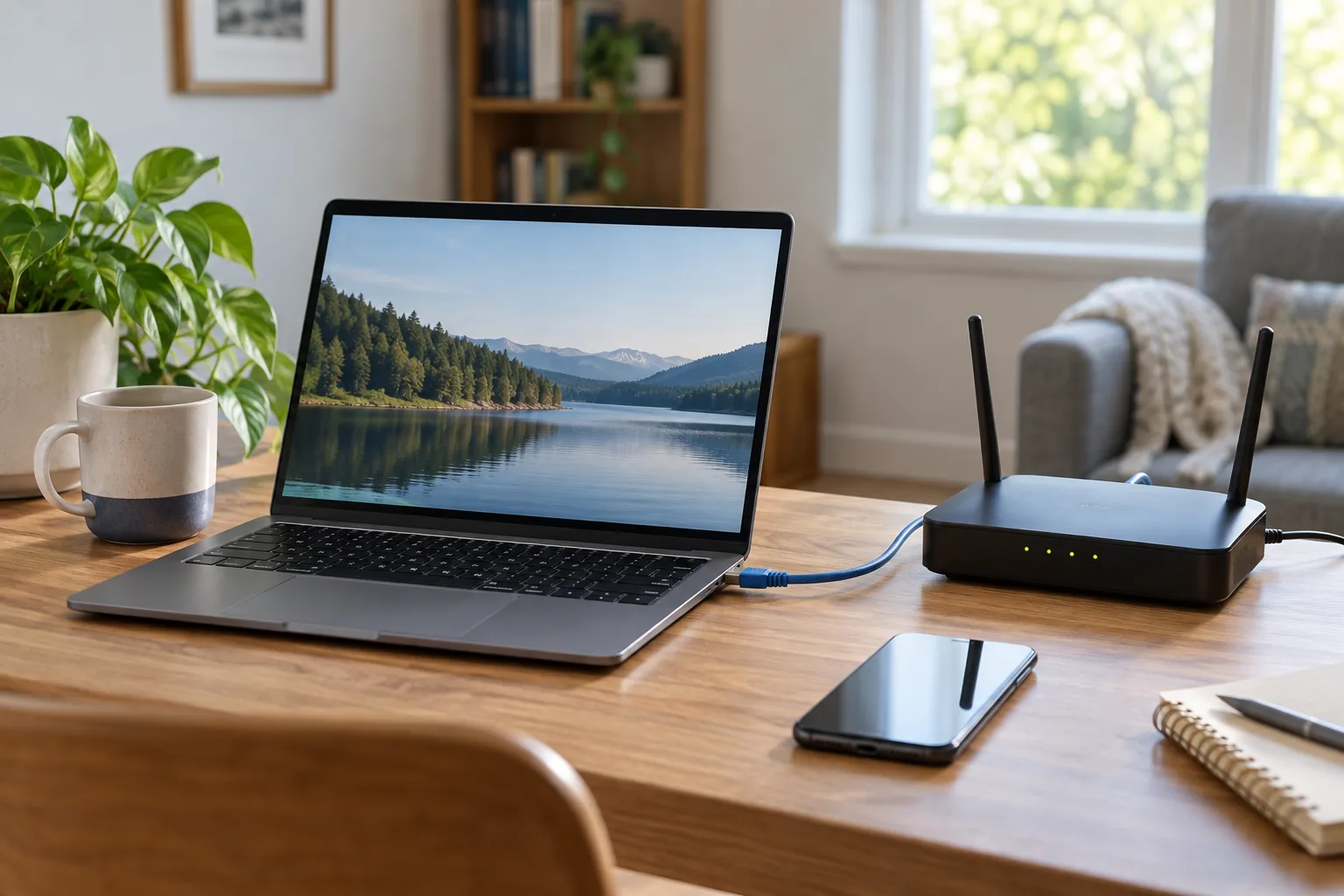
Choose a repeatable task and a single test device. Record where it is, the time, the network used and whether other activity is occurring.
Start with your own situation
Choose a repeatable task and a single test device. Record where it is, the time, the network used and whether other activity is occurring.
Work through the record
Repeat the same task near the router and at the problem location. If available, record a wired observation separately; changing both device and location at once obscures the comparison.
Your printable worksheet
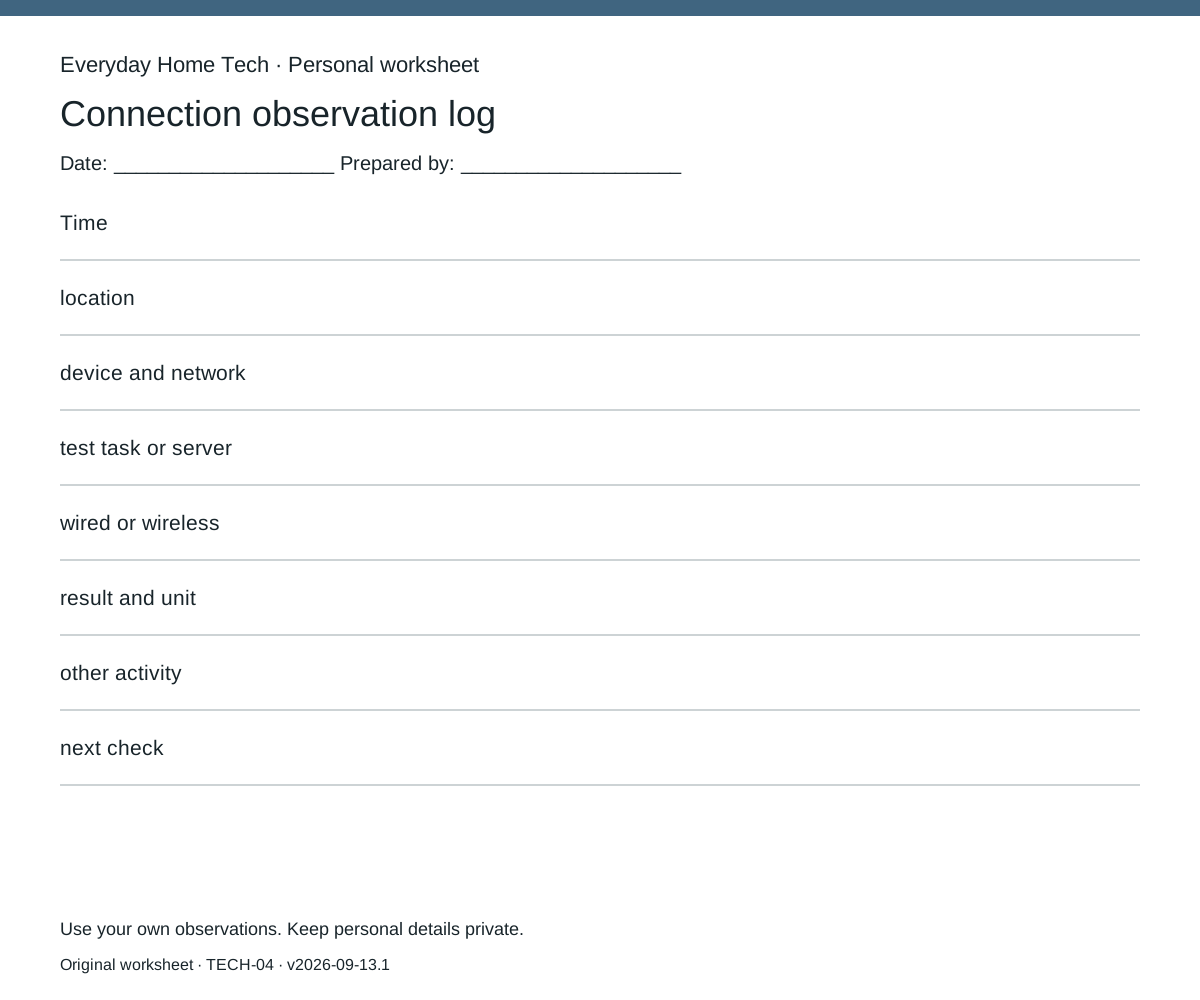
Use one sheet per connection observation log record. Fill these fields: Time / location / device and network / test task or server / wired or wireless / result and unit / other activity / next check. Leave missing information marked unknown; do not silently substitute an estimate.
Make the next decision
If the same device repeatedly performs the task near the router but struggles at the distant location, investigate the local wireless path next. If both locations and a documented wired connection struggle, collect service and device observations before assuming coverage is the cause. Neither pattern proves a diagnosis: repeat at another time and keep inconsistent results.
Documentary context
Apple’s deployment guide explains that available throughput is limited by the slower of the Wi-Fi data rate and the internet provider or wide-area connection.
How this guide was prepared
Original Codex-assisted planning guidance and a blank worksheet. Reader inputs are not collected or represented as observations. Any documentary context is a short paraphrase of a linked primary source checked on September 13, 2026; no product testing, prices or efficacy results are claimed.
Source record
APPLE-V1-THROUGHPUT — External record retrieved
Apple’s deployment guide explains that available throughput is limited by the slower of the Wi-Fi data rate and the internet provider or wide-area connection.
Retrieved 2026-09-13