What to Record During a New Device Return Window
Save the seller policy applying to your order, the order date and the exact model. Record the stated return deadline and conditions without assuming a universal return window.
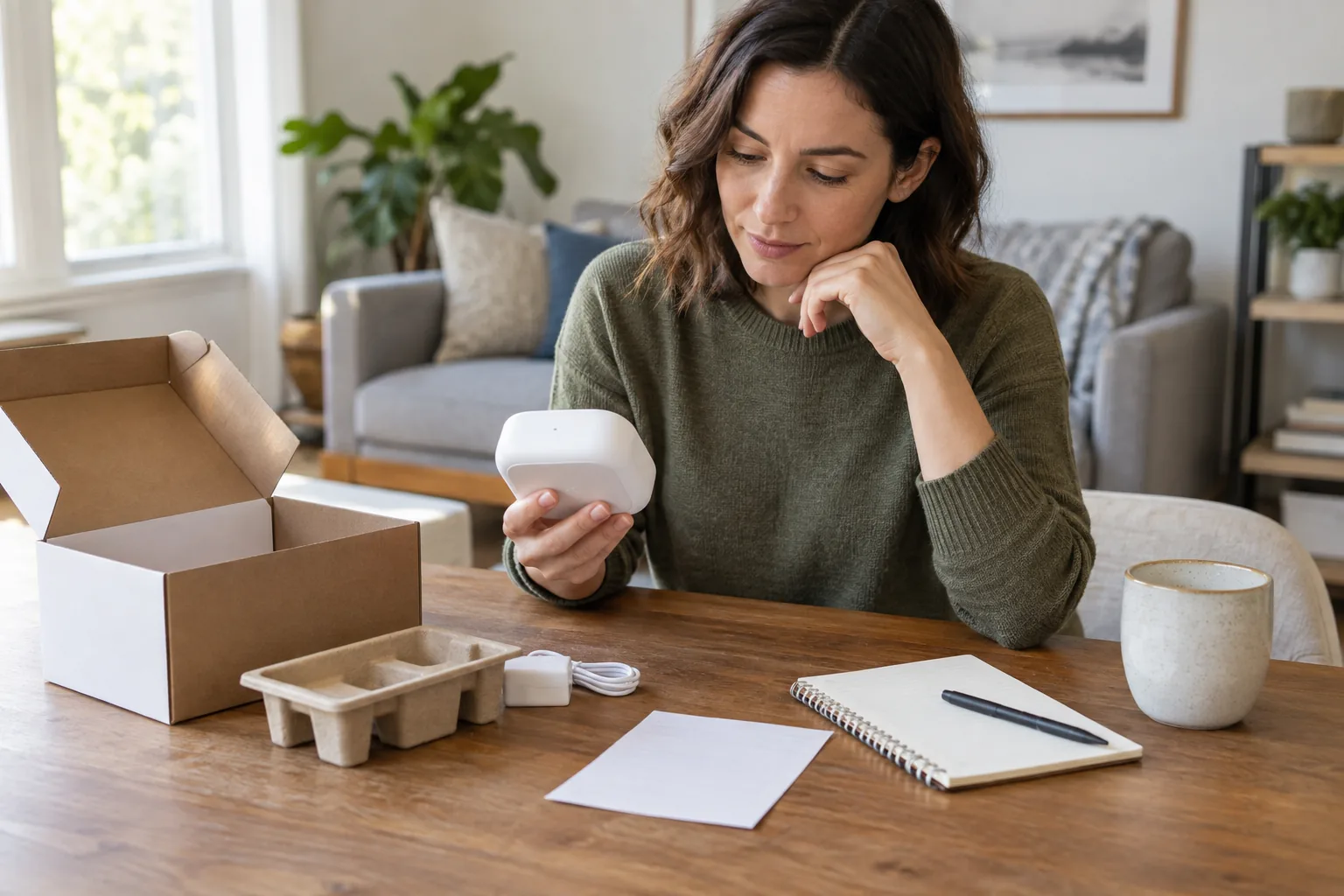
Start with your own situation
Save the seller policy applying to your order, the order date and the exact model. Record the stated return deadline and conditions without assuming a universal return window.
Work through the record
List the tasks you bought the device to perform. Try them with your actual accessories and record failures, support case numbers and packaging or accessory requirements.
Your printable worksheet
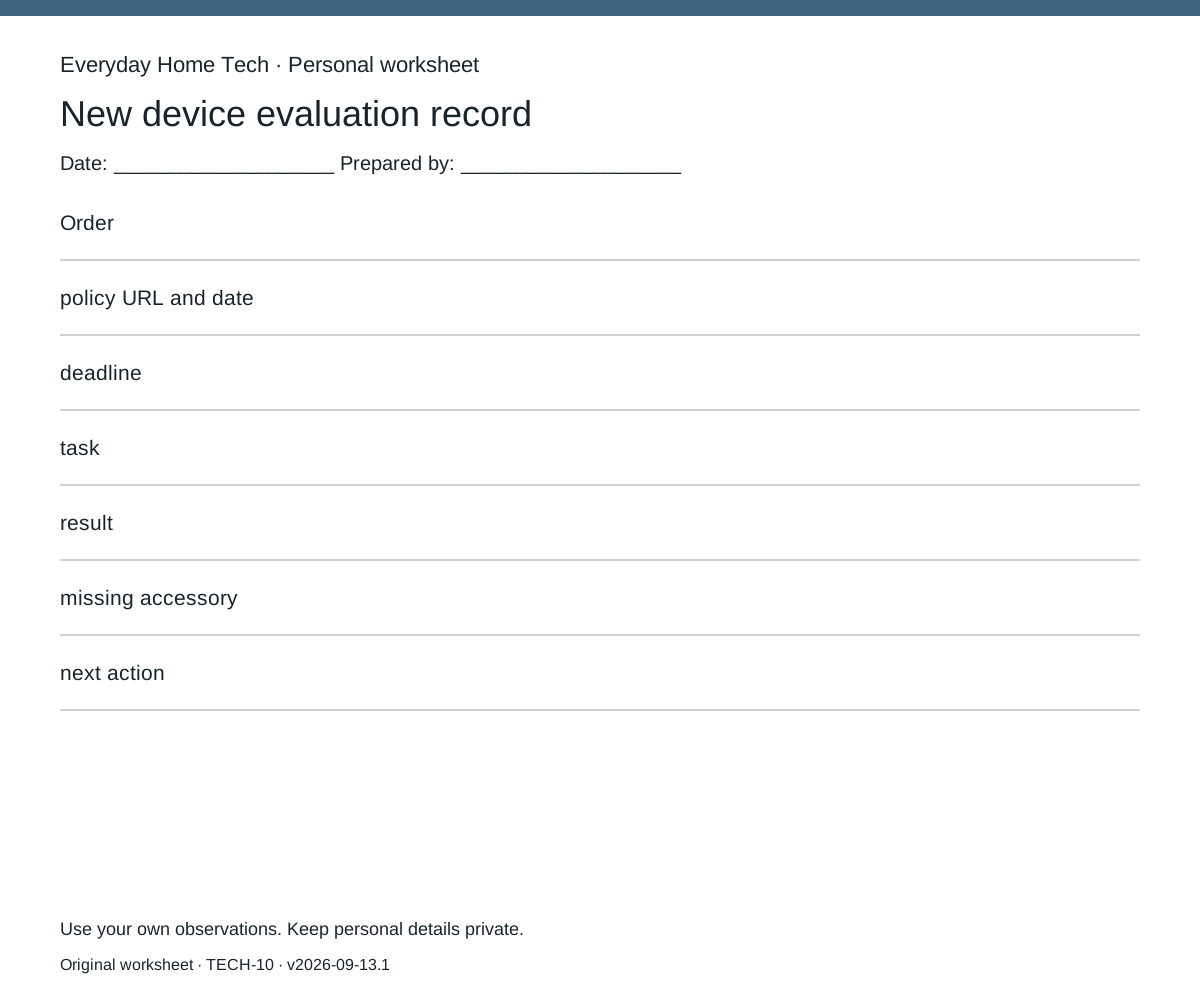
Use one sheet per new device evaluation record. Fill these fields: Order / policy URL and date / deadline / task / result / missing accessory / next action. Leave missing information marked unknown; do not silently substitute an estimate.
Make the next decision
Set your own decision date before the recorded deadline. Keep cancellation, return shipping and data-removal instructions in the folder; a warranty claim and a return are different processes.
How this guide was prepared
Original Codex-assisted planning guidance and a blank worksheet. Reader inputs are not collected or represented as observations. Any documentary context is a short paraphrase of a linked primary source checked on September 13, 2026; no product testing, prices or efficacy results are claimed.